What to Do With External Product Placements After BFCM
 Syeda Rehnoma Tanzom15 min read
On this page
- Why External Placements Don't Clean Themselves Up
- Start From Your Placement Inventory
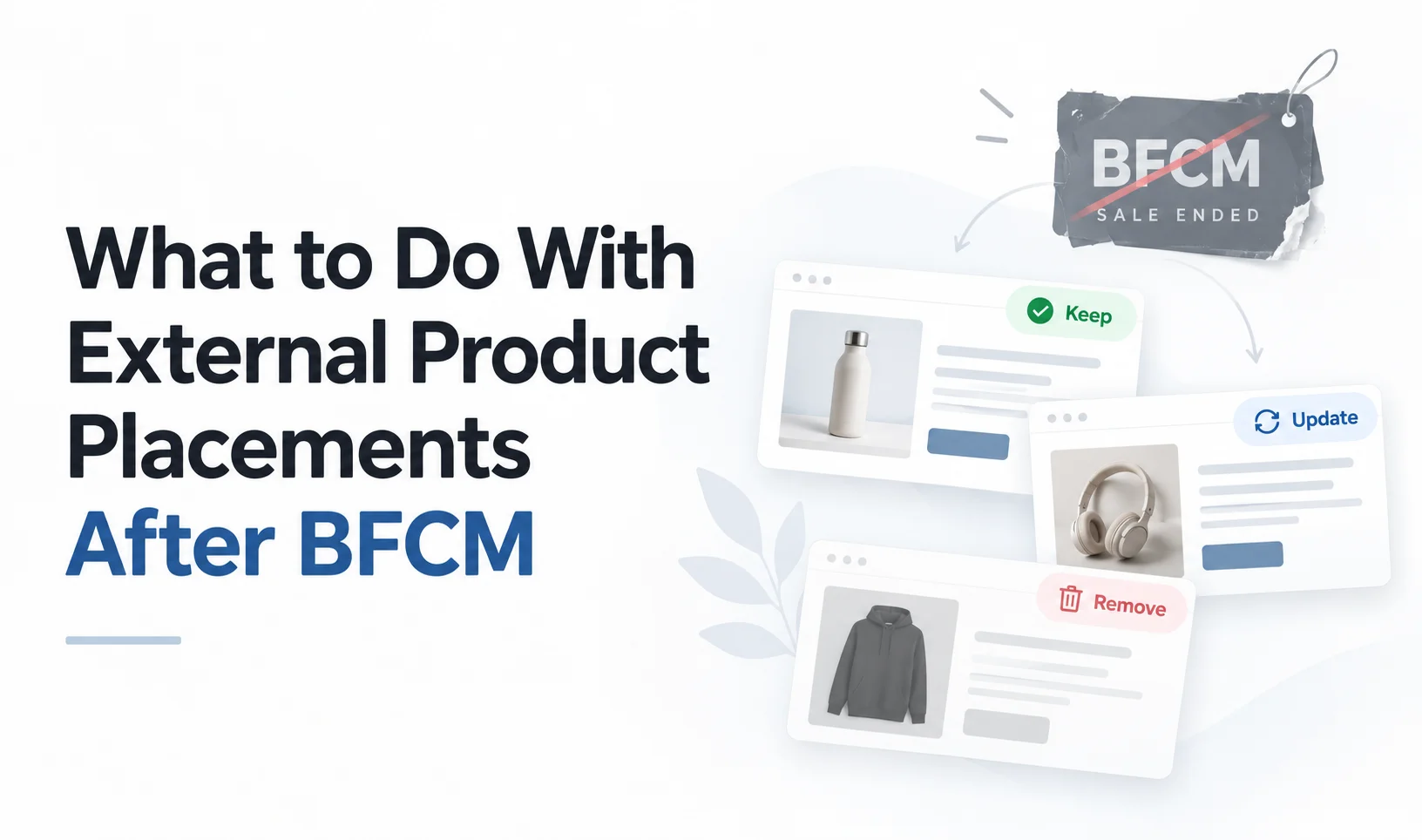
- The Keep, Update, or Remove Framework for Post-BFCM External Product Placements
- When to Keep a Placement As-Is
- When to Update a Placement
- When to Remove or Redirect a Placement
- What "Update" and "Remove" Actually Mean by Placement Type
- Pages You Control
- Pages a Partner or Affiliate Controls
- Coordinating Cleanup With Partners and Affiliates
- Reviewing Attribution Before You Close the Campaign
- Letting the Right Placements Become Evergreen Content
- Post-BFCM External Placement Cleanup Checklist
- Conclusion
- FAQ
Cyber Monday ends on November 30, 2026. Your team closes the campaign dashboards, stops monitoring promotions, and moves on to December. But what happens to the 15 external pages you used to promote your Black Friday deals?
They may still be live.
A blog post could continue advertising 30% off in January. An affiliate's gift guide might feature a discontinued product. Meanwhile, customers clicking those promotions may discover that the advertised offer is no longer available.
Leaving outdated content online can create unnecessary confusion. Campaign-only pages with little ongoing value may also need an SEO review.
That's why post-BFCM external product placements need their own cleanup process.
Start by reviewing each placement's performance and relevance. Then decide whether to keep, update, or remove it. Make the changes on pages you control and coordinate with partners for pages you don't.
The goal is simple: keep useful placements working without leaving expired campaign promises behind.
Short Answer: After BFCM, every external product placement should receive one decision: keep, update, or remove. Keep accurate evergreen content, update valuable pages with outdated offers, and retire placements that no longer serve customers. For partner-controlled pages, request the changes and verify them on the live website. The campaign is not fully closed until those decisions are completed and attribution records are saved.
TL;DR
Review every external placement after BFCM. Check blog embeds, affiliate articles, gift guides, and campaign landing pages for expired offers or unavailable products.
Keep evergreen placements that remain accurate, useful, and relevant to customers.
Update valuable placements when campaign messaging, product details, pricing claims, or availability are outdated.
Remove or redirect temporary placements when they no longer serve a useful purpose, while preserving recurring seasonal URLs where appropriate.
Coordinate with partners and affiliates because you cannot directly edit or redirect pages you don't own.
Save attribution records before closing the campaign and verify that any placements you retain still work correctly.
Why External Placements Don't Clean Themselves Up
Your Shopify store gets plenty of attention during BFCM. You monitor inventory, check discounts, review orders, and fix problems as they appear.
But your external product placements work differently.
A product embedded in a WordPress article six weeks ago might not appear in your regular campaign dashboard. An affiliate could still be publishing a gift guide created for Black Friday. A partner's landing page may remain online without anyone checking its offer details.
The main problem is ownership.
Your marketing team may manage the Shopify promotions, while an affiliate controls the blog content. Your product data can change inside Shopify without automatically changing promotional text written on another website.
For example, an embedded product may show its current price while the heading above it still says "Save 30% Today."
That mismatch can confuse customers even when the product itself works correctly.
A BFCM external sales readiness audit helps merchants identify and test these placements before the campaign. After Cyber Monday, that same visibility becomes useful for cleanup.
Without a post-campaign review, you may not know which pages are still making outdated promises.
The solution isn't to remove everything. It's to decide which placements are still useful and make sure each one reflects the current buying experience.
Start From Your Placement Inventory
You don't need to build another tracking system after BFCM.
If you prepared your external sales channels before the campaign, you should already have a placement inventory listing where your products appear.
Bring that list back and review every entry.
At minimum, it should include:
Placement URL and website or platform
Shopify product or collection being promoted
Embed or component ID, if applicable
Placement owner and partner contact
Current placement status
Last test date
Now add three fields: content type, cleanup decision, and verification status.
For content type, classify each placement as campaign-only or evergreen.
A campaign-only page exists primarily to support a particular promotion. An evergreen page provides useful information that can remain relevant after the promotion ends.
This distinction helps you decide what should happen next.
For example, a skincare guide explaining a daily routine may remain useful throughout the year. A landing page advertising a Cyber Monday flash sale probably won't serve the same purpose in December.
Your updated inventory might look like this:
Placement | Content Type | Decision | Next Action |
|---|---|---|---|
Skincare routine blog | Evergreen | Keep | Confirm product accuracy |
Affiliate holiday gift guide | Evergreen | Update | Remove expired discount copy |
Cyber Monday landing page | Campaign-only | Remove | Review redirect or removal |
Partner product review | Evergreen | Update | Replace discontinued product |
Product tutorial | Evergreen | Keep | Test embed and checkout |
This gives every placement a clear next step instead of leaving your team to remember which pages need attention.
You can also prioritize pages using available traffic, conversion, and partner performance data. Start with placements still receiving visitors or containing misleading promotional claims.
The Keep, Update, or Remove Framework for Post-BFCM External Product Placements
You don't need the same cleanup action for every website.
Some placements should remain exactly as they are. Others need small content changes. A few may no longer deserve a place in your external sales strategy.
Use this framework to decide.
Decision | When It Applies | Required Action |
|---|---|---|
Keep | The content remains accurate, evergreen, and useful | Verify products, pricing, and checkout |
Update | The placement has ongoing value but contains outdated information | Correct offers, product details, or embeds |
Remove | The placement has no useful role after the campaign | Remove the component, retire the page, or redirect when appropriate |
When to Keep a Placement As-Is
Not every product placement needs changing just because Black Friday is over.
Imagine a home improvement blog that features your cordless drill inside a tutorial. The content explains how to choose the right tool, the product is still available, and the page contains no Black Friday-specific promises.
There's little reason to remove it.
Keep a placement when:
The content remains helpful beyond BFCM.
The embedded product is still available and relevant.
The page contains no expired promotional claims.
The buying experience and displayed information are accurate.
The placement continues serving a useful content or sales purpose.
Performance can support your decision, but a page doesn't need immediate sales to be useful. Some articles help customers research products before buying later.
For placements you keep, verify that the product, variants, cart, and checkout still work.
Then mark the placement as reviewed.
When to Update a Placement
A placement may still attract relevant visitors even though some of its information is outdated.
Suppose an affiliate publishes a holiday gift guide that receives useful traffic every December. The guide features your coffee gift set with the heading "Black Friday Special: Save 25%."
The product is still available, but the promotion has ended.
Removing the entire guide would discard useful content. A better option is to update the promotional language.
Common reasons to update include:
Expired discount percentages, codes, or deadlines
Incorrect price claims written outside the embed
Unavailable product variants
Discontinued products with suitable replacements
Outdated promotional banners or buttons
Start with the information customers see immediately, especially the offer and product availability.
If a product is temporarily sold out, verify what your embed currently displays. According to Shopify's inventory documentation, tracked products generally become unavailable for purchase at zero stock unless continued selling is enabled.
Don't assume the external page handles that situation correctly without testing it.
Updating a placement means preserving its useful content while correcting what has changed.
When to Remove or Redirect a Placement
Some external product placements have no useful role once BFCM ends.
A temporary landing page created exclusively for a 24-hour promotion may no longer need to remain accessible. An affiliate campaign featuring a permanently discontinued product might also need to be retired.
Consider removal when:
The content exists only to advertise an expired offer.
The promoted product is permanently unavailable.
The placement provides little useful information outside the campaign.
There is no relevant replacement or ongoing promotional purpose.
However, removing a product embed and deleting an entire webpage are different decisions.
A useful article can stay online even if its embedded buying component needs to go.
For merchant-owned campaign pages, review the SEO implications before deleting or redirecting anything.
Google Search Central recommends using recurring URLs for seasonal events. For example, /sale/black-friday is preferable to creating a new year-specific URL for every Black Friday.
That means an annual sale page can remain at the same URL with updated content between campaigns.
A permanent redirect is more appropriate when a page has genuinely moved or been replaced with a relevant alternative. It isn't an automatic requirement whenever a promotion ends.
For partner-owned websites, you cannot make those URL changes yourself. That requires a different process.
What "Update" and "Remove" Actually Mean by Placement Type
This is where post-BFCM cleanup becomes more complicated.
You might own the Shopify product and manage the embedded component, but that doesn't necessarily mean you control the page displaying it.
Before making changes, identify who can edit the page itself.
Pages You Control
If you manage the website or landing page, cleanup is usually straightforward.
You can edit outdated content, replace embedded products, remove promotional banners, or retire unnecessary pages.
Your options include:
Content updates: Replace expired campaign messaging with accurate, evergreen information.
Component updates: Change the embedded product or collection when the replacement makes sense.
Redirects: Send visitors from a permanently retired URL to a closely relevant destination.
Noindex: Exclude a page from search results when it needs to remain accessible but shouldn't appear in search.
Removal: Unpublish pages that have no continuing purpose.
These options are not interchangeable.
Google's redirect guidance explains when permanent and temporary redirects are appropriate. Its noindex documentation covers preventing a page from appearing in search results.
If the page is on Shopify, remember that Shopify's native URL redirects generally require the original URL to return a 404 before the redirect can work. You cannot simply redirect every live page without changing its availability first.
Test the final URL and purchasing experience after making changes.
Pages a Partner or Affiliate Controls
Now imagine your product appears inside an affiliate's WordPress article.
You can manage the Shopify product, but you may not have permission to edit the article, remove its banner, or redirect the URL.
Your role changes from making the edit to requesting it and confirming completion.
For example, you can ask a partner to:
Remove an expired discount claim.
Update a promotion's end date.
Replace an outdated product recommendation.
Remove a campaign-only embedded component.
Replace or retire a temporary landing page.
The available options depend on the partner's website and publishing platform.
With EmbedUp, merchants can manage Shopify product components used on external websites. Where an existing embed references an editable component, changing the component's selected products can update what the embedded display presents without rewriting the surrounding article.
However, EmbedUp cannot rewrite a partner's article text, remove a banner from their CMS, or force the partner to publish changes.
Even after a component update, you must verify the live page.
If a partner is slow to respond, stop directing active campaign traffic toward the outdated offer where you can. You can also adjust a component you control or direct customers to a current promotion on your own website.
These steps reduce exposure to incorrect information, but they don't automatically remove stale text from the partner's page.
Coordinating Cleanup With Partners and Affiliates
Once you identify partner-controlled placements that need changes, organize the requests instead of sending scattered messages.
A simple post-BFCM checklist for affiliate and partner placements should record the problem, requested action, and confirmation status.
Use a shared document or spreadsheet with these fields:
Field | What to Record |
|---|---|
Placement URL | Exact page requiring attention |
Partner contact | Person responsible for the update |
Issue | Expired offer, unavailable product, or outdated copy |
Requested action | Keep, update, or remove |
Deadline | When the change should be completed |
Verification | Live-page check and completion date |
Make your requests specific.
Instead of asking a partner to "remove our old Black Friday content," explain which page and which section need changing.
For example, ask them to remove the "30% Off Black Friday" heading, replace it with an evergreen product description, and confirm when the updated article is published.
If the placement is staying active, updating promotional messaging matters just as much as updating the underlying product.
Prioritize partners whose pages continue receiving relevant traffic after Cyber Monday. These placements have more immediate opportunities to reach customers with outdated claims.
Then work through lower-priority campaign pages.
Most importantly, a request sent is not the same as a change completed.
Open the live URL after the partner confirms the update. Check the surrounding copy, embedded product, displayed offer, and purchasing action.
If the request remains unresolved, record that status and follow up.
Don't mark the placement as complete simply because someone acknowledged your email.
Reviewing Attribution Before You Close the Campaign
Before removing placements, changing components, or closing affiliate campaigns, save the attribution data you need for reporting and reconciliation.
This is an important part of managing post-BFCM external product placements.
If you change several components without recording their previous assignments, it may become harder to understand which pages and partners generated specific results during the campaign.
Review the reporting available in your Shopify setup, analytics platform, and affiliate tools.
Capture:
Orders and revenue attributed to each placement or partner
Referral traffic and campaign tracking results
Affiliate commissions earned during the campaign
Pending, refunded, or otherwise unsettled orders
Component or affiliate assignments used during BFCM
Keep these records alongside your placement inventory.
For example, if two affiliates promoted the same product using separate components, record each component's campaign results before reassigning or retiring it.
Tools differ in how they handle historical reporting, so don't assume that deleting an old component will preserve every report or reference you may need.
EmbedUp's Pro plan includes affiliate sales attribution, commission tracking, and performance reporting. Its affiliate commission tracking workflow also makes clear that merchant payouts are handled outside the app.
That means recording commissions and settling payments remain separate responsibilities.
There is no universal number of days that affiliate tracking must remain active after BFCM. Keep the relevant records and tracking arrangements in place according to your affiliate agreement, attribution window, return policy, and reporting requirements.
Once those obligations are accounted for, you can close or revise the campaign without losing track of what happened.
Letting the Right Placements Become Evergreen Content
Some of your best long-term external placements may have started as Black Friday promotions.
Consider a product comparison article that performed well during BFCM.
The article explains how different coffee makers work, compares their features, and helps customers choose the right model. It also includes an embedded product originally promoted with a Cyber Monday discount.
The campaign offer is temporary, but the product comparison is not.
Instead of removing the entire placement, update the promotional copy so the article remains accurate throughout the year.
That could mean:
Replacing "Cyber Monday Deal" with a useful product heading.
Removing expired countdowns and coupon codes.
Keeping relevant product recommendations.
Updating discontinued products when appropriate.
Maintaining the embedded buying option for available products.
This is where shoppable content commerce remains useful beyond seasonal promotions. A helpful article can continue connecting relevant product information with a buying opportunity after its original campaign ends.
But don't treat every BFCM page as evergreen.
A dated announcement about a specific sale may make sense as historical content, while a detailed buying guide could remain useful for years with regular updates.
The key is to evaluate the content's ongoing purpose.
If the page can still help customers choose a product, keeping and updating it may be worthwhile. If its only message was an offer that no longer exists, retiring it may be the more sensible decision.
Post-BFCM External Placement Cleanup Checklist
Before marking your external sales campaign as complete, run through these final checks.
Review every URL in your external placement inventory.
Classify each placement as keep, update, or remove.
Confirm that active products and variants remain available.
Remove expired BFCM offers from blog embeds and surrounding copy.
Update or retire temporary landing pages as appropriate.
Send specific cleanup requests to affiliate and partner contacts.
Verify every completed change on the live external page.
Test retained embeds, cart actions, and checkout.
Save final attribution, campaign, and commission records.
Record unresolved partner requests and assign follow-up owners.
You don't need to finish every update in one sitting. Start with misleading offer claims and high-traffic placements, then complete the remaining cleanup systematically.
Conclusion
BFCM may end on Cyber Monday, but your external product placements don't automatically disappear with it.
Some will remain useful throughout the year. Others need updated messaging, corrected product information, or removal.
The important thing is to make that decision deliberately.
For post-BFCM external product placements, use the same process every time: evaluate each page, decide whether to keep, update, or remove it, and verify the result.
Pay particular attention to partner-controlled pages, where sending an update request doesn't guarantee that the content has changed.
Save your attribution records, confirm that retained placements still work, and keep useful evergreen content available.
That way, your BFCM campaign can end without leaving outdated offers and forgotten product embeds behind.
FAQ
What should I do with Black Friday landing pages after the sale ends?
Do I need to remove products from blog embeds once a sale is over?
Can I redirect a blog post that isn't on my own website?
How long should affiliate tracking stay active after BFCM?
Should evergreen product embeds be treated differently from campaign-only placements?
How can I remove expired BFCM offers from a partner's blog embed?
- post-BFCM external product placements
- what to do with Shopify product embeds after Black Friday
- remove expired BFCM offers from blog embeds
- post-BFCM checklist for affiliate and partner placements
Related articles
 Embed Shopify Products
How to Make a Shoppable Holiday Gift Guide Readers Can Buy From
Last checked: 2 November 2026, against the EmbedUp App Store listing, embedup.com, ShipStation's 2026 holiday shipping deadlines, and the NRF 2026 holiday forecast. Who this is for: Shopify merchants, bloggers, and content teams who publish a holiday gift guide on a blog or website. Reading time: about 16 minutes.
17 min read
 Embed Shopify Products
How to Handle Sold-Out Shopify Products Across External Websites During BFCM
When popular Shopify products sell out during BFCM, merchants need to respond across every external website promoting them. This guide explains how to handle unavailable variants, update embedded product placements, choose suitable alternatives, use collection embeds, and keep external campaigns useful as product availability changes.
18 min read
 BFCM Planning
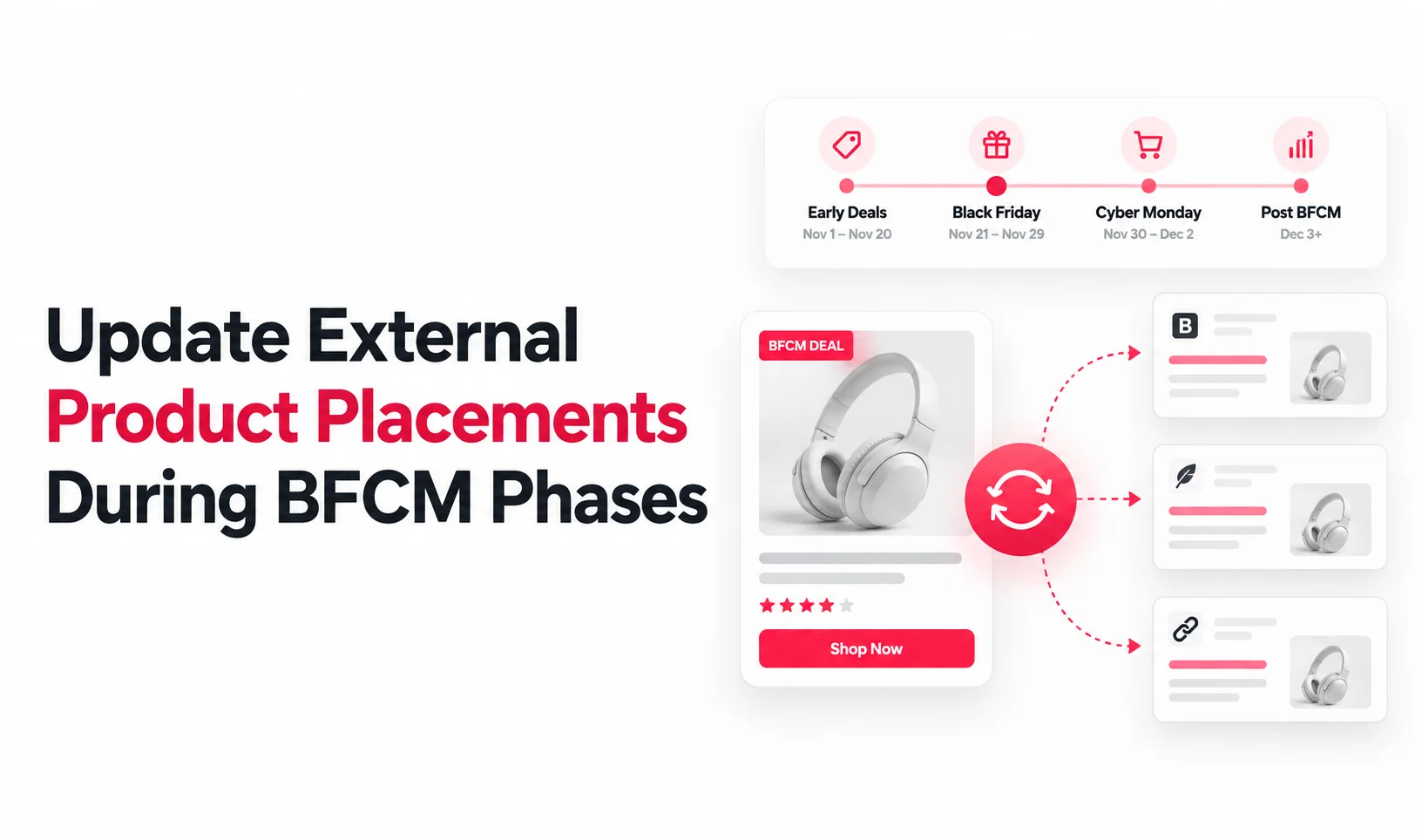
How to Update External Product Placements as Your BFCM Offer Changes
Keep your BFCM promotions accurate across blogs, affiliate pages, and partner websites as offers change throughout the campaign. Learn when to refresh messaging, prices, and deadlines to avoid missed sales and customer confusion.
11 min read