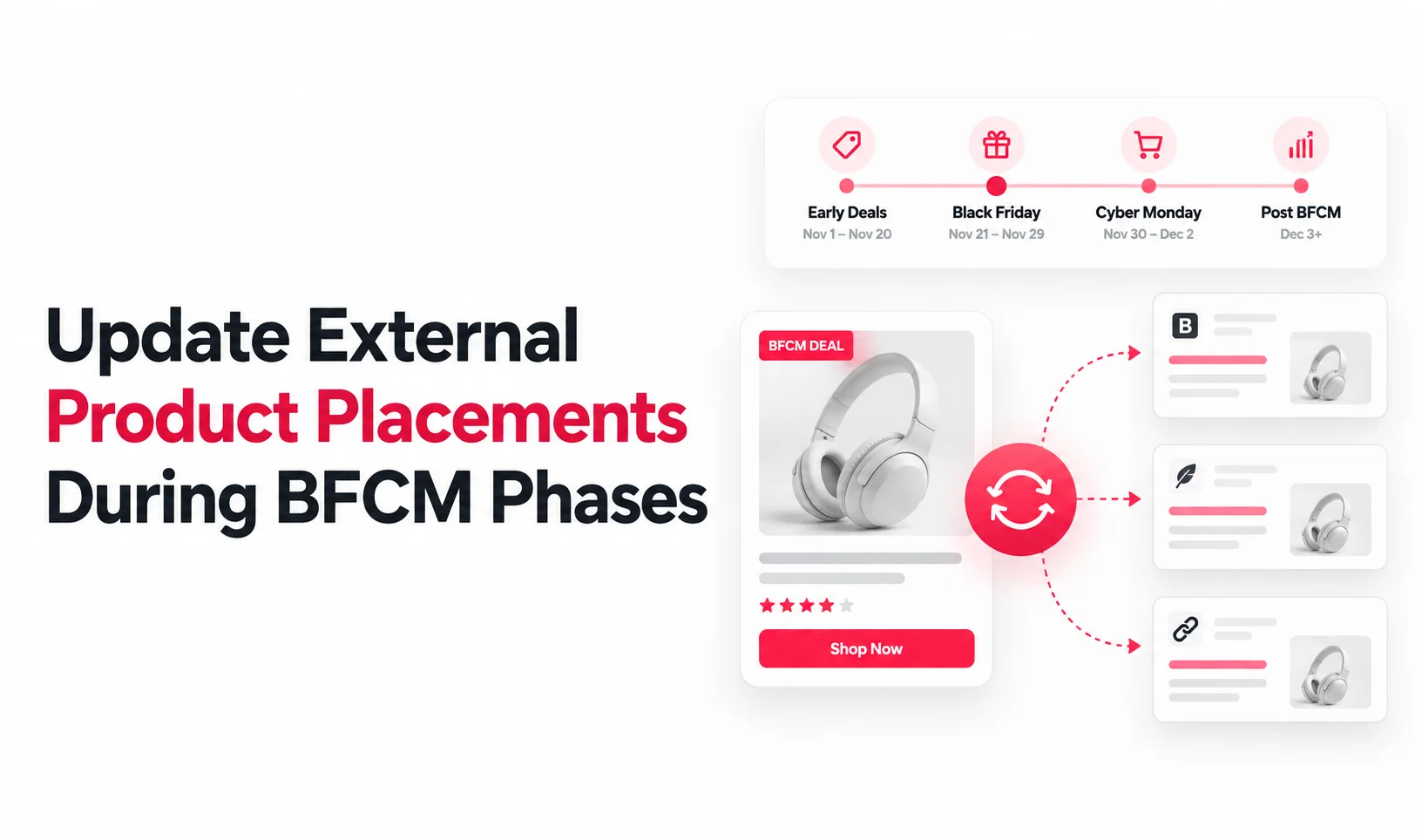
How to Update External Product Placements as Your BFCM Offer Changes
 Syeda Rehnoma Tanzom11 min read
On this page
- Why External Placements Fall Behind the Campaign Calendar
- The Four Things to Recheck at Every Phase Change
- Early Access Ends, Black Friday Begins
- Keeping Black Friday Messaging Accurate Through the Weekend
- Transitioning Into Cyber Monday
- Closing Out When Cyber Monday Ends
- Updating Placements You Don’t Control
- How to Update External Product Placements During BFCM With a Set Cadence
- Conclusion
- FAQs
An early-access banner is still sitting on your best-performing affiliate page two days after early access ended. Your Shopify discount has already moved into the Black Friday phase, but the page customers are reading still promises the old offer. That gap is exactly why you need to update external product placements during BFCM at every campaign transition. Each time your offer moves to its next phase, recheck four things on every external placement: the stated offer, the urgency or deadline language, the price or discount shown, and whether the page should still be live at all.
The problem is easy to miss because a scheduled Shopify discount can start or end according to the active dates you set, while content on WordPress articles, partner landing pages, affiliate pages, and campaign microsites may remain unchanged. Shopify also bases discount timing on the time zone configured in the admin. Stale messaging can cost a conversion, but it can also create a trust problem if someone clicks based on a promise your checkout no longer honors.
For 2026, Black Friday falls on November 27 and Cyber Monday on November 30.
This article gives you a transition-by-transition update map for early access, Black Friday, the weekend, Cyber Monday, and campaign close, including placements you cannot edit yourself.
The Short Answer: Every time your BFCM promotion changes phase, check the offer text, urgency or deadline language, displayed price or discount, and whether each external page should still be live. A Shopify-side discount change does not guarantee that manually written content on blogs, affiliate pages, partner landing pages, or campaign microsites has changed with it.
TL;DR
When early access ends, remove VIP or early-access wording and confirm the Black Friday offer shown externally matches the live promotion.
During the weekend, recheck deadline language even if the discount itself stays the same.
Before Cyber Monday, confirm whether the offer changes or only the campaign framing changes, then update every affected placement.
When Cyber Monday ends, remove or disable expired campaign pages, banners, and urgency claims instead of leaving them live.
For affiliate or partner-owned pages, schedule update requests before each phase change and use a fallback if the partner cannot update in time.
Why External Placements Fall Behind the Campaign Calendar
External placements usually fall behind for a simple reason: the campaign calendar and the publishing calendar are separate. A discount can be scheduled inside Shopify, but the surrounding copy on another website may belong to a CMS, an agency, an affiliate, or a partner with a different workflow.
That is different from finding something that was already wrong before launch. Your pre-event BFCM checklist for external product placements should catch incorrect products, broken buttons, outdated prices, and other readiness problems before traffic arrives. This article deals with a different failure: something was correct, then became outdated because the Shopify BFCM offer schedule moved forward and the external page did not.
This is the same “offer moves faster than content” problem BFCM email calendars already solve for inboxes. Current BFCM email planning commonly separates early access, Black Friday weekend, Cyber Monday, and follow-up periods into different messaging phases. External pages need the same transition discipline because they do not share one campaign clock.
The Four Things to Recheck at Every Phase Change
You do not need a completely new checklist for every day of BFCM. Use the same four checks whenever the offer changes.
First, confirm the stated offer. If the page says 20% off but Black Friday has moved to 25%, update the copy. The same applies when a product is removed from the promotion or the qualifying conditions change.
Second, check urgency and deadline language. Phrases such as “early access ends tonight,” “Black Friday only,” or “ends Sunday” become misleading as soon as the deadline passes.
Third, verify the price or discount shown. Check manually written prices, percentage claims, compare-at references, button labels, and promotional copy around the product. If your embed tool syncs product data, check its documented behavior rather than assuming it also updates surrounding campaign messaging.
Fourth, decide whether the placement should still be live at all. Some evergreen articles only need updated campaign text. A temporary landing page or affiliate promotion may need to be removed, redirected, unpublished, or excluded from campaign traffic after its phase ends.
This four-point check keeps every transition focused on accuracy rather than forcing your team to re-audit every external page from zero.
Early Access Ends, Black Friday Begins
The first major transition is usually where “exclusive” wording becomes wrong fastest. An early-access page may say “VIP only,” “members get first access,” or “shop before everyone else.” Once the public Black Friday promotion begins, that language can make a live offer look restricted when it is no longer restricted.
Start by removing access-based language from external pages that continue into Black Friday. Then compare the external offer with the live Black Friday promotion. If Black Friday has a stronger discount, a different code, new qualifying products, or a new deadline, the surrounding copy needs to move with it.
Do not assume the change is complete because the Shopify discount is active. Shopify discount timing follows the start and end settings configured for the promotion and the store’s time zone, but manually written copy outside Shopify has its own publishing state. That is why your Shopify BFCM offer schedule should include a content-update checkpoint at the same transition.
The important habit is to treat this as the first step in a repeating process. When Cyber Monday arrives later, use the same check instead of waiting for another mismatch to be noticed by a customer.
Keeping Black Friday Messaging Accurate Through the Weekend
A promotion can stay financially identical through Saturday and Sunday while the wording around it becomes stale. For example, “Black Friday only” no longer fits if the same offer intentionally runs through the weekend.
Review campaign names, countdown copy, end dates, and button labels on every external placement that remains active. You may only need to change “Black Friday” to “BFCM weekend” or replace a Friday deadline with the actual end date, but the change still matters because the customer is judging whether the message is current.
This is also the point where an expired Black Friday banner can create confusion even if checkout still accepts the promotion. A banner that says the offer ended Friday while the discount remains active through Sunday makes the page look neglected. The reverse is more serious: a banner may promise an extension that checkout does not honor.
Treat the weekend as a real campaign phase rather than dead space between Friday and Monday.
Transitioning Into Cyber Monday
Cyber Monday does not require a completely different discount. Some merchants reuse the Black Friday offer, while others change the percentage, product set, code, threshold, or campaign framing. Both approaches are legitimate. What matters here is whether the external placement matches the decision you actually made.
If the discount number stays the same, still review the wording. “Black Friday ends tonight” should not remain on a page that is now promoting Cyber Monday. If the offer changes, update the value, eligibility, deadline, code, and any copy that describes what the customer receives.
This is also a good moment to check whether the products promoted externally are still appropriate. Inventory can move quickly across BFCM weekend, so variant-level stock checks should be part of the transition when a page highlights specific options or availability.
For partner content, send the Cyber Monday version before the transition whenever possible. A request that says “please update this when you can” is too vague for a phase that may last only one day. Give the partner the replacement copy, the exact deadline, and the URL that needs changing.
That prevents a Black Friday offer still showing after sale ends from becoming your Cyber Monday customer experience.
Closing Out When Cyber Monday Ends
Once Cyber Monday is over, the biggest risk is not slightly outdated wording. It is campaign content that remains live and still looks actionable.
Start with pages that contain urgency or offer claims: countdowns, “last chance” copy, codes, percentage discounts, campaign-specific buttons, affiliate banners, and temporary landing pages. Remove or replace them according to the role of the page. An evergreen article may simply return to normal product copy, while a temporary campaign page may need to be unpublished or redirected.
Pay particular attention to an expired Black Friday banner that was reused through the weekend or Cyber Monday. If it still sends traffic toward an inactive offer, the visitor may not discover the problem until cart or checkout.
Your broader post-BFCM cleanup process should cover campaign teardown across placements, tracking, and temporary assets. At this transition, the immediate job is simpler: make sure nothing still promises a promotion that has ended.
Updating Placements You Don’t Control
Partner and affiliate pages need a different workflow because you are requesting changes rather than publishing them yourself. Build those requests into the campaign calendar before BFCM week starts.
For every partner-owned placement, record the page URL, contact person, current campaign phase, next required change, replacement copy or creative, and the deadline for publishing it. The deadline should be tied to your actual offer transition. “Please update by 11:00 p.m. Thursday” is useful. “Please update when possible” is not.
Send the next version early enough for the partner to make the change before the current phase expires. Then verify the live page after the deadline instead of assuming the request was completed.
If a partner cannot update in time, use a documented fallback. You might temporarily stop sending paid campaign traffic to that page, switch your campaign link to a current page you control, or ask the partner to remove the promotional claim until the new version is ready. The correct fallback depends on your traffic setup, but leaving knowingly outdated offer copy live should not be the default.
This matters especially when you need to update the affiliate page for Cyber Monday messaging. One missed partner update can keep an older campaign phase visible long after your owned pages have moved on.
How to Update External Product Placements During BFCM With a Set Cadence
The easiest way to avoid live firefighting is to connect your placement inventory to specific transition checkpoints. You do not need to monitor every page constantly. You need to know exactly when each page should be checked.
Use the inventory you built during pre-event preparation, then assign a check at each relevant phase: early access close, Black Friday launch, weekend extension, Cyber Monday launch, and final close. Not every placement needs every checkpoint. A partner article that runs all weekend may need three checks, while a one-day microsite may need only launch and close.
After any change, verify the live page rather than checking only the CMS or relying on partner confirmation. A focused BFCM embed QA checklist can confirm that the updated copy, product, variant, cart action, checkout path, and tracking still work together.
With EmbedUp, product information such as prices, variants, and inventory is designed to stay synced with Shopify in real time. Manually written content around the embed, including banners, headings, deadlines, and urgency copy, is separate and still needs to be updated when the campaign changes.
Conclusion
BFCM campaigns move faster than off-store content does by default. The practical fix is not constant checking. It is a known checkpoint whenever your campaign moves from early access to Black Friday, through the weekend, into Cyber Monday, and finally to close.
To update external product placements during BFCM reliably, use the same four checks every time: offer, urgency language, displayed price or discount, and whether the page should remain live. Add partner-owned pages to the same schedule instead of treating them as a separate afterthought.
When those checkpoints are part of your Shopify BFCM offer schedule, stale campaign copy becomes easier to catch before customers do.
FAQs
Does an external Shopify product placement update automatically when my BFCM discount changes?
What should happen to an early-access banner once Black Friday starts?
Should Cyber Monday use the same offer as Black Friday?
How do I know if a partner’s page still has outdated BFCM messaging?
How often should I check external placements during the BFCM weekend?
What happens to an external placement after BFCM officially ends?
- update external product placements during BFCM
- Black Friday offer still showing after sale ends
- Shopify BFCM offer schedule
- update affiliate page for Cyber Monday
- expired Black Friday banner
Related articles
 Embed Shopify Products
How to Make a Shoppable Holiday Gift Guide Readers Can Buy From
Last checked: 2 November 2026, against the EmbedUp App Store listing, embedup.com, ShipStation's 2026 holiday shipping deadlines, and the NRF 2026 holiday forecast. Who this is for: Shopify merchants, bloggers, and content teams who publish a holiday gift guide on a blog or website. Reading time: about 16 minutes.
17 min read
 BFCM Planning
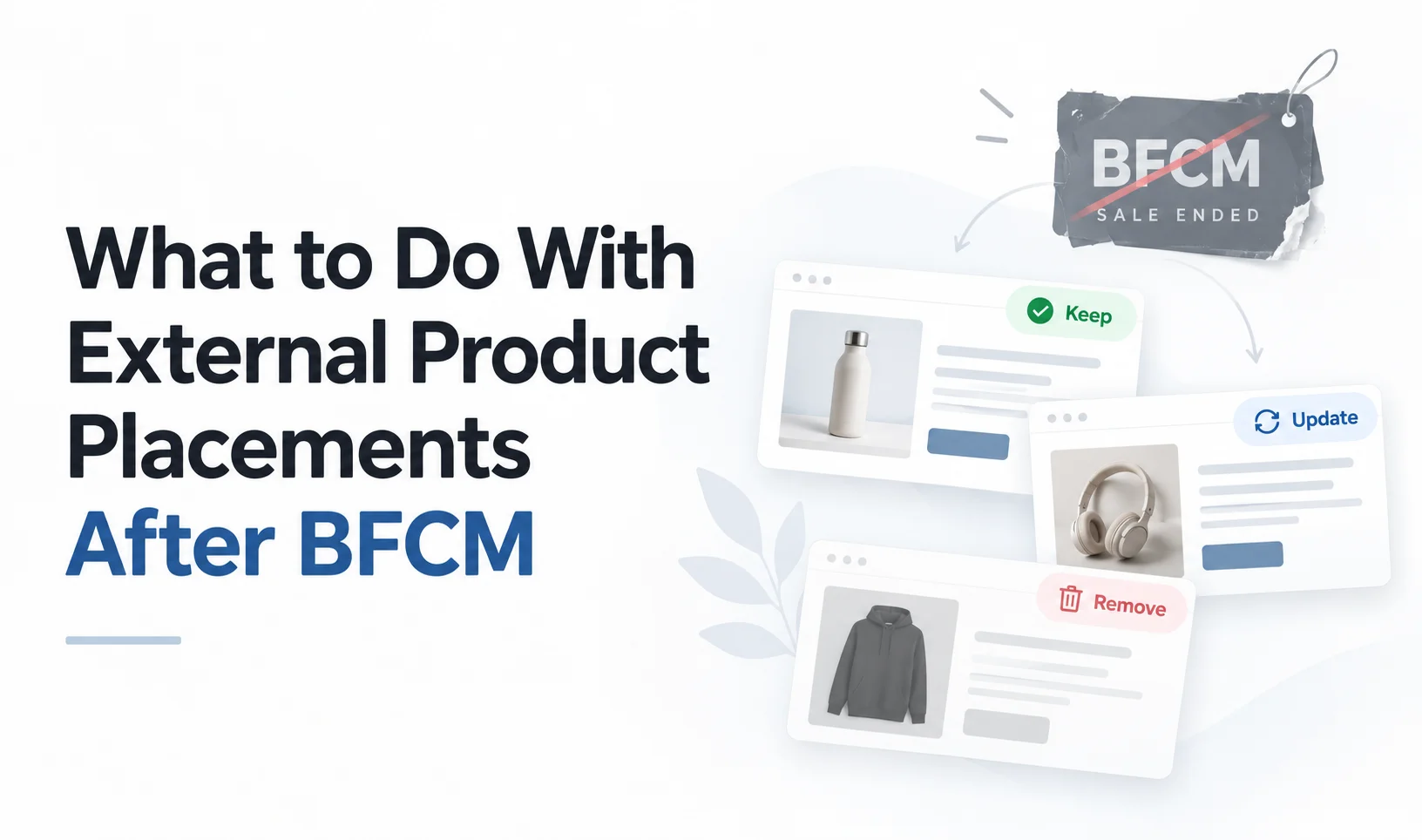
What to Do With External Product Placements After BFCM
Your BFCM campaign may be over, but the product placements across blogs, affiliates, and partner websites are still live. Learn how to decide which placements to keep, update, or remove, including those on websites you don't control.
15 min read
 Embed Shopify Products
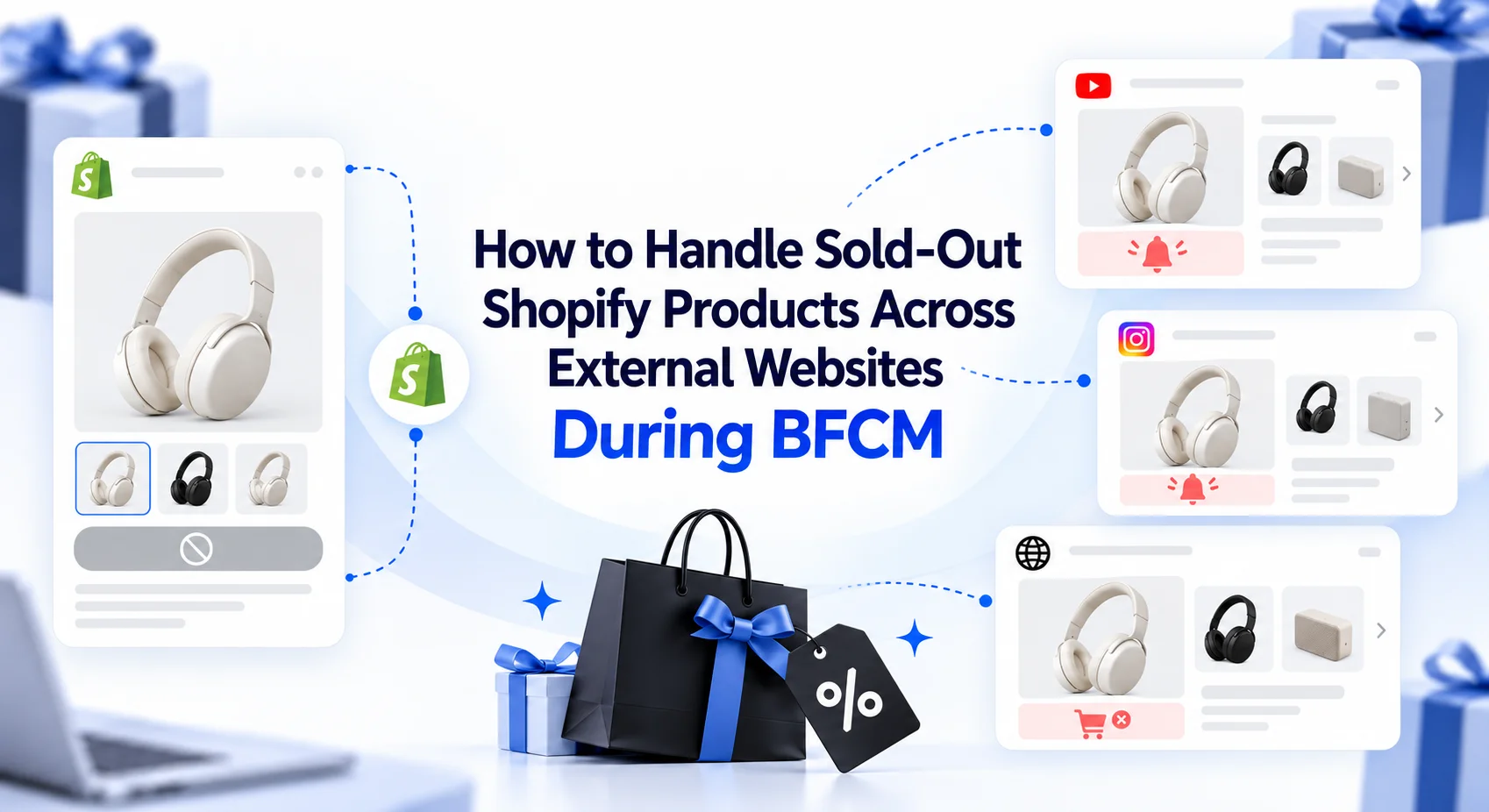
How to Handle Sold-Out Shopify Products Across External Websites During BFCM
When popular Shopify products sell out during BFCM, merchants need to respond across every external website promoting them. This guide explains how to handle unavailable variants, update embedded product placements, choose suitable alternatives, use collection embeds, and keep external campaigns useful as product availability changes.
18 min read